- Volume keys that work — on the monitor's own speakers, with the familiar on-screen indicator
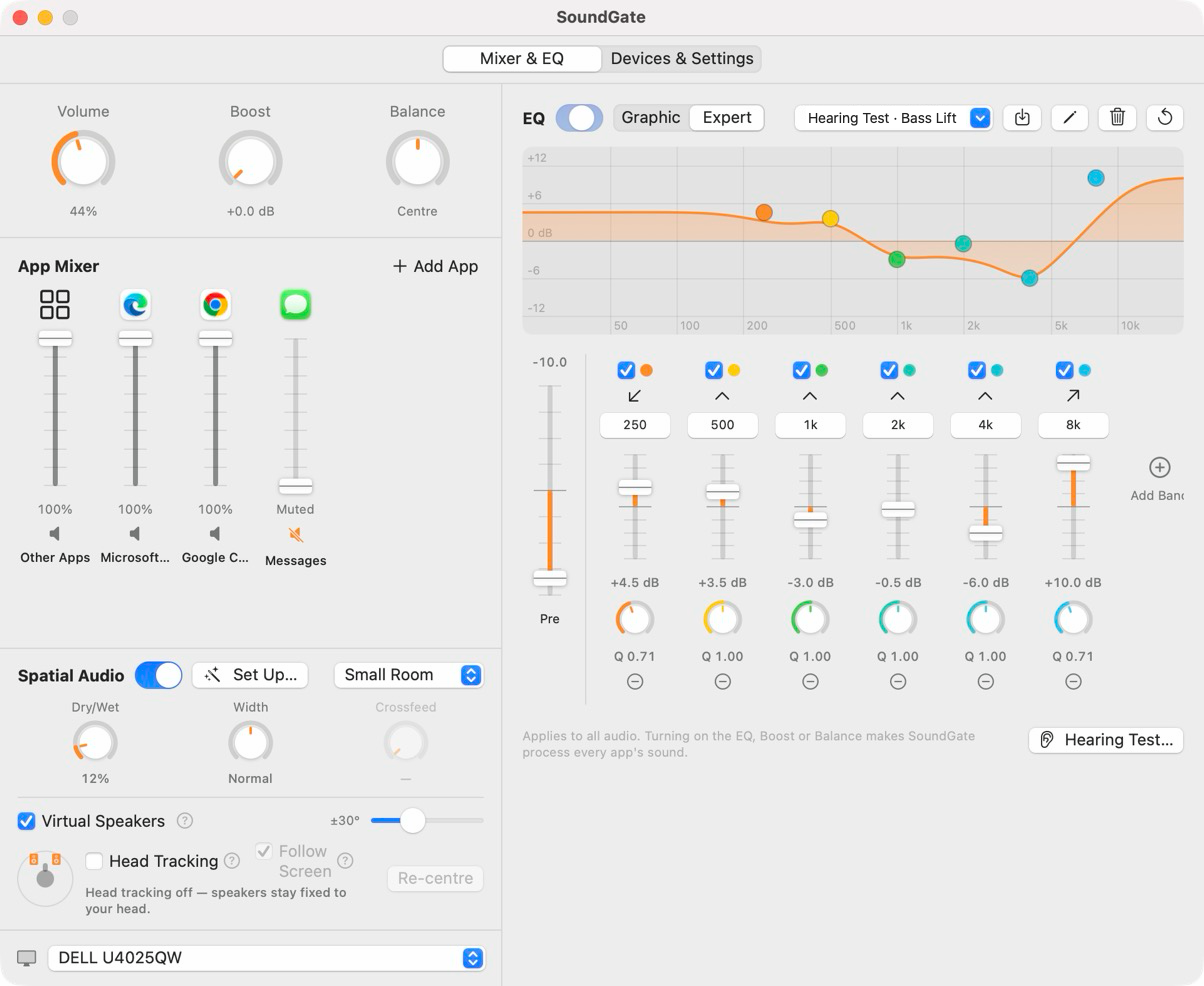
- A slider for every app — plus “Other Apps” for the rest
- Switch between your monitor, speakers and headphones in one click — or let your priority list choose
- Send any app to a different output with one click
- EQ presets and spatial audio, on or off in a click
Click the SoundGate icon in the menu bar above to open and close the panel, or a device under Output Priority to switch to it — just like on your Mac. Everything else is one click away in Open in Window.